DevGraph
Markdown-first architecture context for humans and AI.
Turn the READMEs and architecture notes you already maintain into graph.json, summary.md, Mermaid diagrams, Studio views, and agent-ready context with one command.
Annotate services in docs
graph.json, summary.md, Mermaid
Stable context across repos
Product Proof
Write blocks, run one command, ship context.
Inputs
Existing Markdown, service blocks, and architecture notes across repos.
Outputs
Shareable docs, graph data, Mermaid diagrams, and Studio-ready context.
Real Product Captures
See DevGraph in the terminal and in Studio.
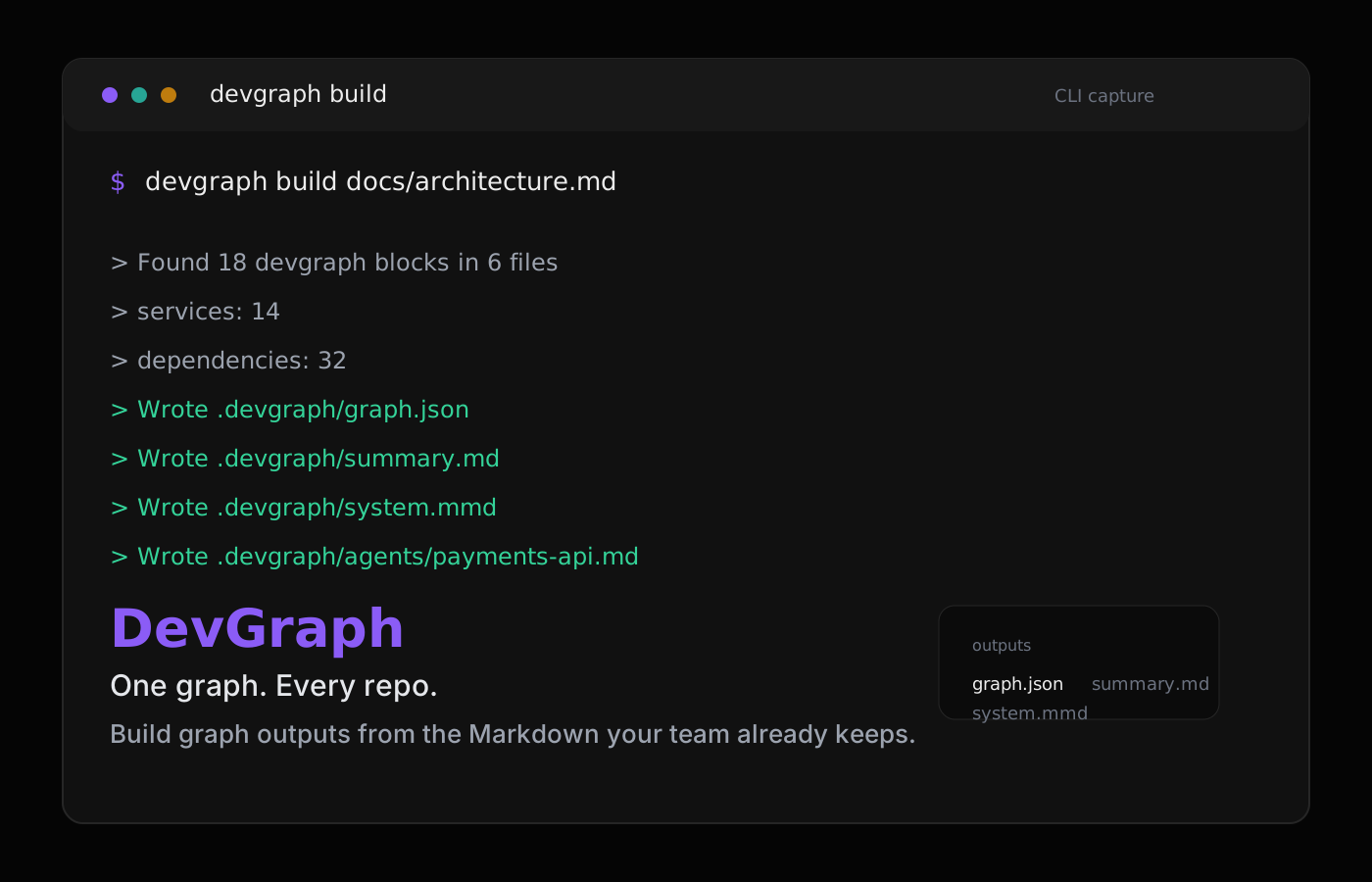
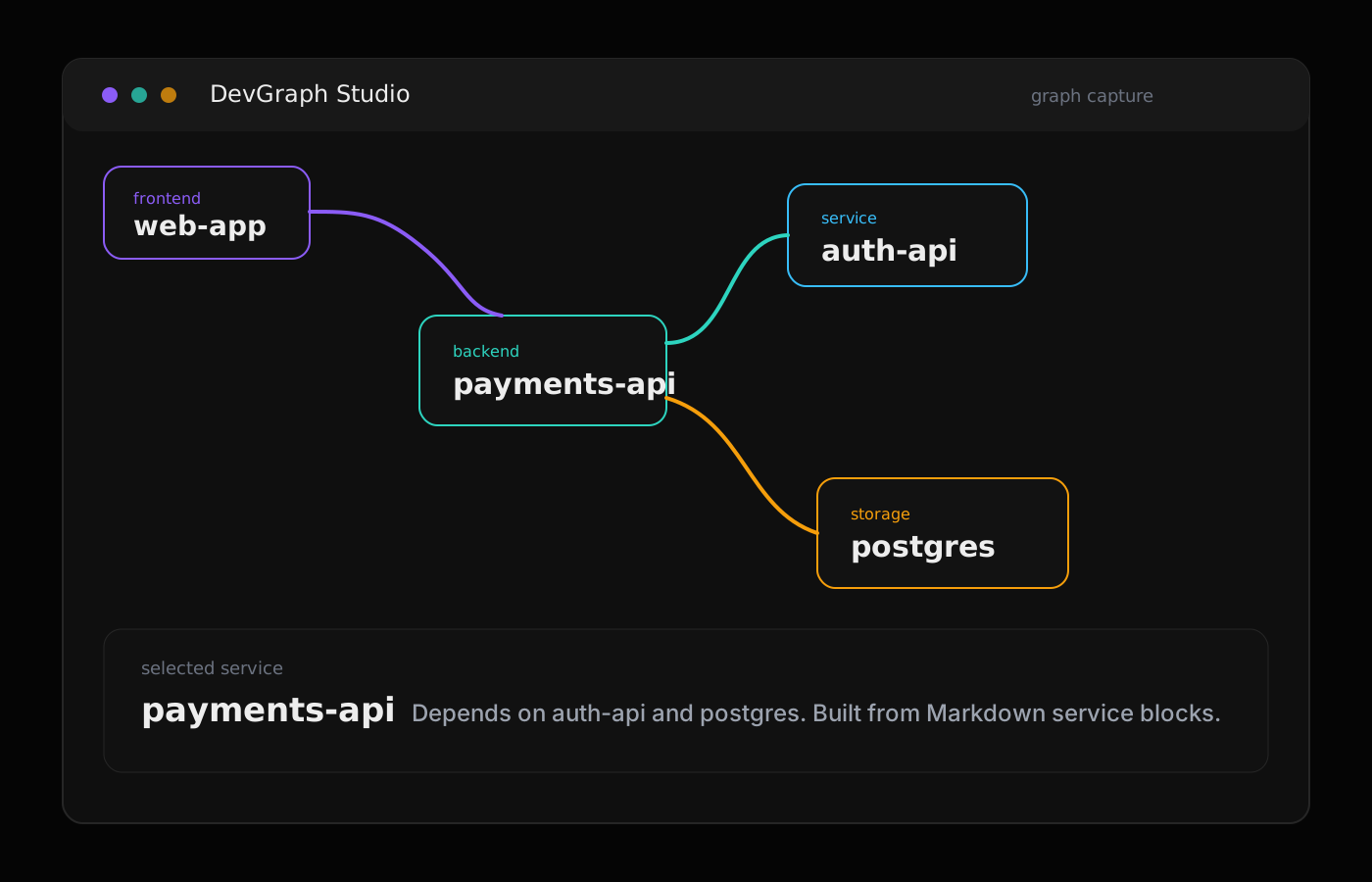
The homepage now shows the product instead of generic context language: build output from the CLI and a graph view from Studio on the same DevGraph brand surface.
CLI Capture
Build graph.json, summary.md, and Mermaid from Markdown blocks
Studio Capture
Inspect services, dependencies, and generated graph context visually
Turn Markdown into an architecture graph.
DevGraph scans devgraph blocks in the docs you already keep and builds a deterministic graph for engineers, onboarding, and AI workflows.
- Track service boundaries and cross-repo dependencies
- Capture APIs, environment variables, and ownership context
- Generate graph outputs that stay close to the codebase
Build outputs your team and agents can both use.
Run one command and get a stack of durable artifacts for docs, reviews, diagrams, and agent sessions across the whole repo.
- Write devgraph blocks next to the system docs they describe
- Run 'devgraph build docs/architecture.md' to refresh context
- Open Studio or ship the generated files directly into your workflows
DevGraph is the architecture layer you trust first.
Start with deterministic structure and relationships now. Layer in decision history, incidents, and provenance as your context graph practice matures.
- Today: Structure, relationships, and dependencies
- Next: Decisions, incidents, and provenance
- Build trustworthy context in layers
Connect the sources around your graph.
DevGraph starts with Markdown-first architecture context and can expand outward into the systems your team already uses.
See integration roadmapGit & CODEOWNERS
Link repositories, ownership boundaries, and file-level context across services.
Read source mappingPackages & API Specs
Track package manifests, OpenAPI contracts, and dependency edges in one place.
Read dependency docsCI/CD & Infra
Connect pipelines and infra definitions from Terraform and Kubernetes manifests.
Read pipeline docsObservability & ADRs
Bring in traces, errors, runbooks, and ADRs to enrich architecture context.
Read context docsDevGraph makes your architecture legible before the next prompt.
Start from Markdown. Build one graph. Share the same architecture context with your team, your docs, and every AI session that touches the repo.